
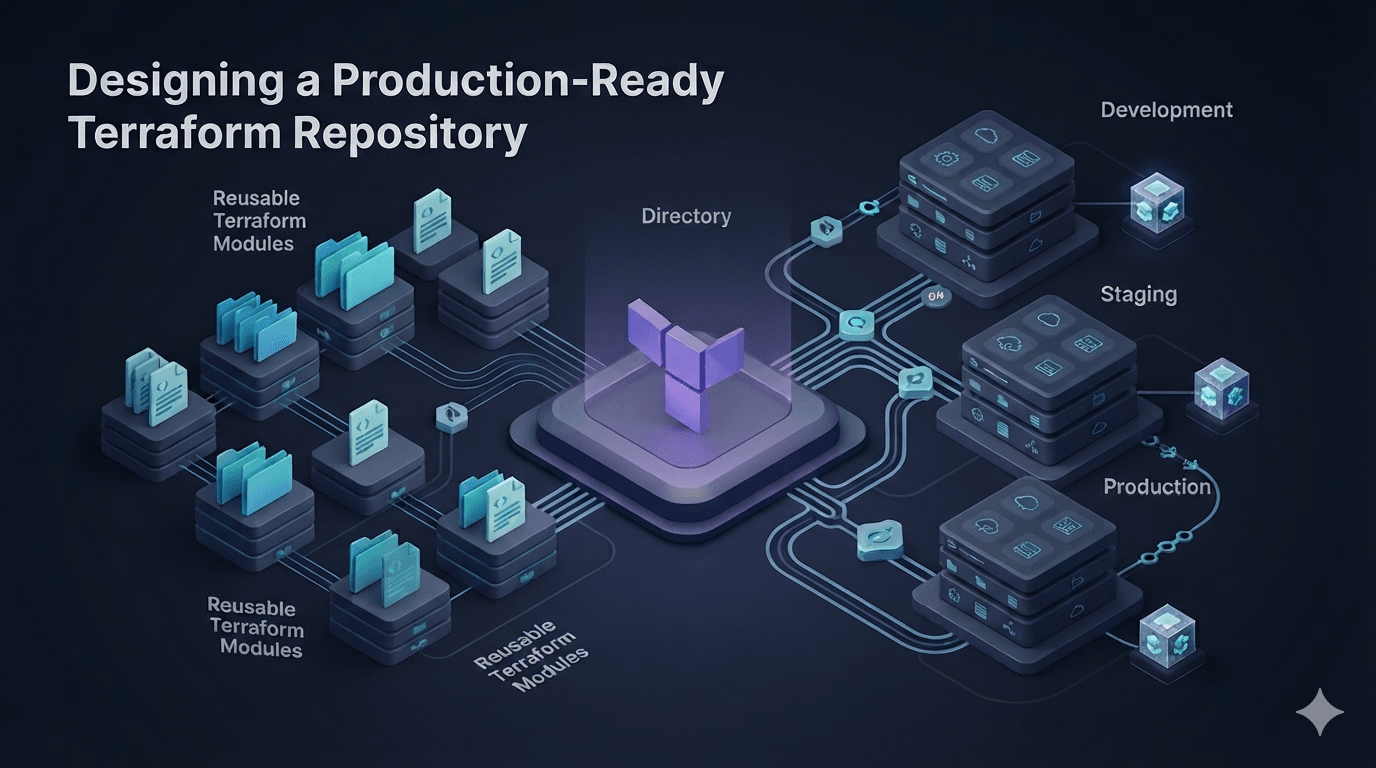
Designing a Production-Ready Terraform Repository
In the previous articles, we've learned about:
- How Terraform works
- Terraform State
- Terraform Modules
- Providers
- Data Sources
- Everyday Terraform features
At this point, we already know how to write Terraform.
But once Terraform reaches production, another challenge appears.
It's no longer about writing Terraform.
It's about...
How do you keep hundreds of Terraform files maintainable after years of development?
This is where repository design becomes more important than Terraform syntax itself.
Any Structure Works for Small Projects
Most tutorials start with something like this:
terraform/

main.tf
variables.tf
outputs.tf
provider.tf
versions.tf
Or perhaps:
terraform/

network.tf
compute.tf
database.tf
iam.tf
For demos, that's perfectly fine.
Production is different.
A few months later you'll likely have:
- VPC
- IAM
- ECS
- RDS
- S3
- CloudFront
- Route53
- Lambda
- EventBridge
- Monitoring
- Secrets
- ...
Soon you'll end up with dozens of .tf files in a single directory.
Finding a single resource becomes surprisingly difficult.
A Common Mistake
Many teams organize repositories by service.
For example:
terraform/

ec2/
rds/
s3/
iam/
route53/
At first glance, this looks clean.
However, Terraform doesn't operate on directories.
Terraform operates on state.
If everything shares the same state, directory separation is mostly cosmetic.
If every directory owns its own state, dependencies quickly become difficult to manage.
Think About Environments First
Production infrastructure usually consists of multiple environments:
Development

Staging

Production
Each environment has its own:
- resources
- state
- deployment pipeline
- access permissions
The first thing to separate should be environments.
live/

dev/

staging/

production/
This is also how many large organizations structure their infrastructure repositories.
Then Separate Infrastructure Stacks
For example:
live/

production/

network/

compute/

database/

monitoring/
Each directory represents an independent infrastructure stack.
For example,
network
manages:
- VPC
- Subnets
- NAT Gateway
- Internet Gateway
While
database
only manages:
- RDS
- Parameter Groups
- Subnet Groups
Each stack owns its own Terraform state.
Modules Should Not Live Inside live
Another common mistake is placing modules under environments.
live/

production/

modules/

vpc/

ecs/
In reality:
Modules are reusable infrastructure code.
Environments are simply consumers of those modules.
A much cleaner approach is:
repository/

modules/

vpc/

ecs/

rds/

live/

dev/

production/
Now,
live
contains only configuration.
While
modules
contains the actual implementation.
What Does a Production Repository Look Like?
A typical production repository often looks like this:
terraform/

modules/

vpc/

ecs/

rds/

iam/

s3/

live/

dev/

network/

compute/

database/

production/

network/

compute/

database/
You'll see this structure in many mature Terraform projects and open-source repositories.
An Environment Should Contain Very Little Code
For example,
live/production/network/main.tf
should not contain thousands of lines.
Instead, it should simply call reusable modules.
module "network" {
  source = "../../../modules/vpc"

  cidr = "10.0.0.0/16"

  environment = "production"
}
That's almost everything it needs.
The real implementation lives inside:
modules/vpc
This approach makes your infrastructure:
- reusable
- easier to review
- safer to update
Where Should Variables Live?
Typically:
modules/

variables.tf
outputs.tf
main.tf
The environment supplies the actual values.
For example:
module "database" {

  instance_class = "db.t4g.medium"

  allocated_storage = 100

  backup_retention_period = 30

}
Avoid hardcoding values inside modules.
The more generic a module is, the more reusable it becomes.
One State or Multiple States?
This is one of the most frequently asked questions.
Many beginners place the entire infrastructure into a single state.
Everything

↓

terraform.tfstate
This quickly causes problems:
- Long planning time
- Slow applies
- Entire infrastructure becomes locked
- Even a tiny change requires loading the entire state
Production repositories typically split infrastructure into multiple states.
For example:
network

↓

compute

↓

database

↓

monitoring
Each stack can be deployed independently.
Updating ECS shouldn't lock your networking infrastructure.
Never Let Production Depend on Local State
Some repositories still keep:
terraform.tfstate
inside Git.
This should never happen in production.
Instead, use a remote backend such as:
- Terraform Cloud
- Amazon S3
- Azure Storage
- Google Cloud Storage
Remote backends provide:
- State locking
- Version history
- Team collaboration
- Backup
- Better security
Terraform State is your most valuable asset.
Don't leave it on a developer's laptop.
Naming Conventions Matter
For example:
modules/

aws-vpc

aws-rds

aws-ecs
or
modules/

network

database

compute
The most important thing is consistency.
Avoid mixing styles like:
vpc/

ecs/

RDS/

S3Module/

networking/
Every repository should follow a single naming convention.
Your Repository Will Continue Growing
As infrastructure evolves, your repository will eventually include:
- CI/CD pipelines
- Policy as Code
- Security scanning
- Cost estimation
- Drift detection
- Documentation
A well-designed repository makes all of these additions much easier.
A Real-World Example
A simplified version of the Terraform repository I currently use looks like this:
terraform/

modules/

aws/

vercel/

cloudflare/

supabase/

live/

dev/

aws/

ap-southeast-1/

blog/

production/

aws/

ap-southeast-1/

blog/

shared/
Each provider has its own reusable modules.
Each environment owns its own Terraform state.
Each workload has its own configuration.
This makes Pull Request reviews, deployments, and rollbacks significantly easier.
Lessons I've Learned
After working on multiple infrastructure projects, I've learned that:
- Repository structure is just as important as Terraform code.
- Modules should contain implementation, environments should contain configuration.
- Splitting state by stack reduces deployment risk.
- Always use a remote backend in production.
- Don't optimize for today's project—optimize for what your repository will look like in two years.
Terraform is easy to start with.
Keeping the repository clean after thousands of commits is the real challenge.
Summary
Terraform is much more than writing .tf files.
A well-designed repository helps your team:
- Review infrastructure changes more easily
- Scale infrastructure safely
- Reduce conflicts during collaboration
- Speed up deployments
- Maintain infrastructure for years
This is the foundation of a scalable Infrastructure as Code platform.
Next Article
So far, we've assumed that Terraform creates every infrastructure resource from scratch.
In reality, most companies already have hundreds of AWS, Azure, or GCP resources before adopting Terraform.
So how do you bring those existing resources under Terraform management without deleting and recreating them?
We'll answer that in the next article:
Import Existing Infrastructure into Terraform.