
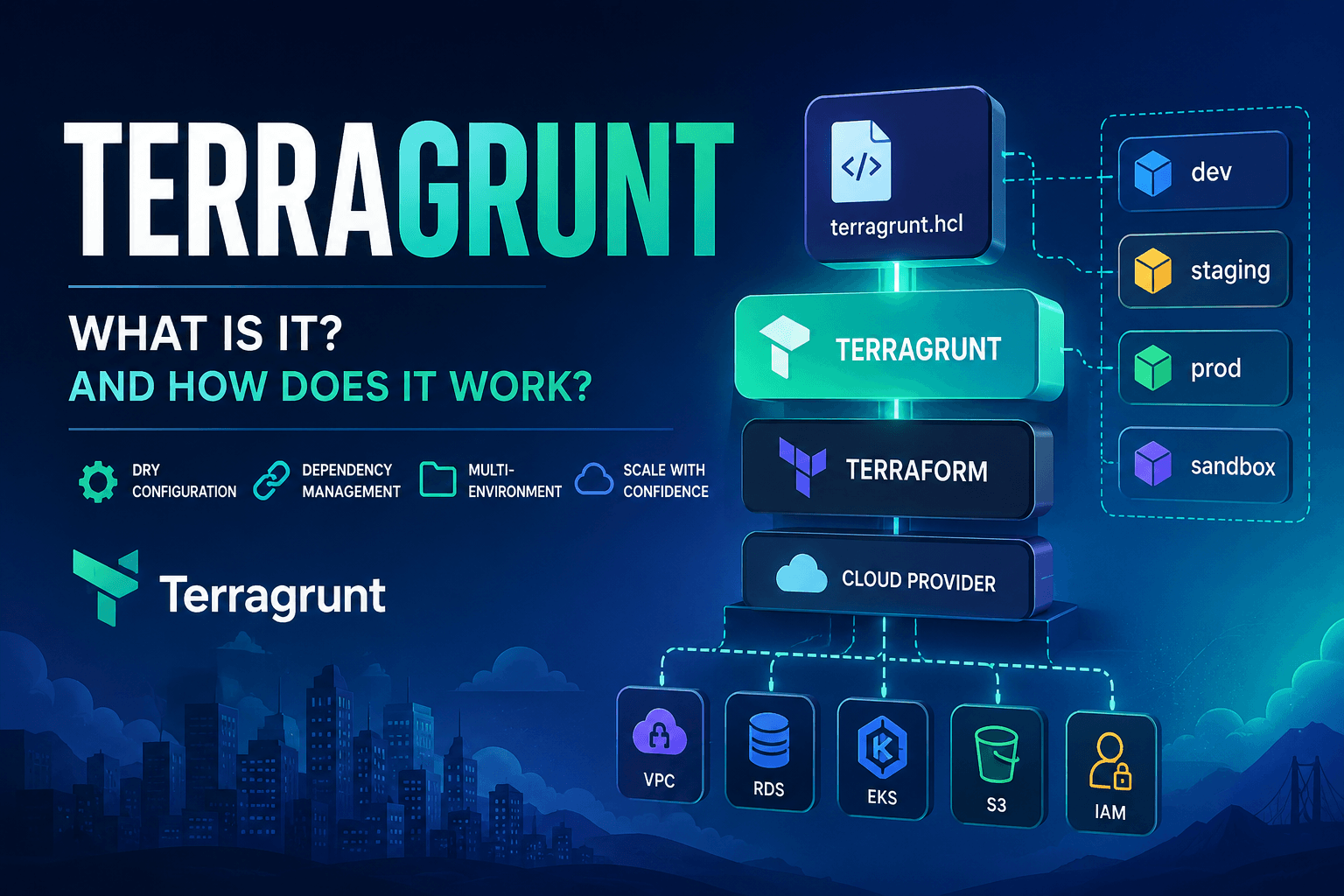
What is Terragrunt? And How Does It Work?
Throughout the previous articles in this series, we've explored Terraform from the ground up.
From Infrastructure as Code and Terraform State to Plan & Apply, Repository Design, and Remote State Backends.
If you only look at small examples, Terraform feels almost perfect.
But once you start working on real production systems, you'll quickly discover one important limitation:
Terraform is excellent at managing infrastructure, but it isn't designed to manage large collections of Terraform projects.
That's exactly why Terragrunt exists.
Terraform Works Well...
...Until Your Project Grows.
Imagine a fairly typical production environment.
Production

├── VPC
├── Security Groups
├── IAM
├── RDS
├── Redis
├── EKS
├── S3
├── CloudFront
└── Route53
Every component has its own lifecycle.
If you put everything into a single Terraform project, you'll eventually run into problems:
- Plans become slow.
- Applies take longer.
- The state file grows significantly.
- Rollbacks become more difficult.
- Collaboration causes frequent state lock conflicts.
The common solution is to split the infrastructure into multiple Terraform projects.
For example:
live/

production/

vpc/
eks/
rds/
redis/
dns/
iam/
network/
This is the right architectural decision.
But it introduces another set of problems.
Dozens of Terraform Projects
As the number of projects grows, you'll notice yourself writing nearly identical files over and over again.
For example:
terraform {
  backend "s3" {
    bucket = "company-tf-state"
    key    = "prod/vpc.tfstate"
    region = "ap-southeast-1"
  }
}
The next project:
terraform {
  backend "s3" {
    bucket = "company-tf-state"
    key    = "prod/rds.tfstate"
    region = "ap-southeast-1"
  }
}
And another:
terraform {
  backend "s3" {
    bucket = "company-tf-state"
    key    = "prod/eks.tfstate"
    region = "ap-southeast-1"
  }
}
The same thing repeats everywhere.
Not just for the backend.
Providers are duplicated too.
provider "aws" {
  region = "ap-southeast-1"
}
Environment variables.
environment = "production"Remote state configuration.
Default tags.
Terraform version constraints.
Provider versions.
After a few months, your repository contains thousands of duplicated lines that differ only by a few values.
DRY Starts to Break Down
Terraform already has Modules.
But Modules solve a different problem.
For example:
module "vpc" {
    ...
}
Modules help you reuse resources.
They don't help you manage:
- backend configuration
- provider configuration
- repository structure
- dependencies between projects
- multiple environments
- orchestration across projects
In other words:
Terraform Modules let you reuse infrastructure.
Terragrunt lets you reuse Terraform projects.
These are two completely different responsibilities.
Multiple Environments
Most companies have environments like:
dev
uat
staging
production
Each environment uses the same Terraform modules.
For example:
modules/

vpc/
eks/
rds/
But each environment has different configuration.
Development:
CIDR
10.0.0.0/16
Production:
CIDR
172.16.0.0/16
Different AWS accounts.
Different regions.
Different backends.
Different providers.
Different tags.
If you only use Terraform, you'll often end up copying entire directories.
For example:
dev/vpc

staging/vpc

production/vpc
Most of these folders contain nearly identical code.
That's duplication.
And duplication always increases maintenance costs.
Dependencies Between Projects
An RDS project depends on information such as:
- VPC ID
- subnet IDs
- security groups
Those outputs are generated by other Terraform projects.
Terraform can read remote state using:
data "terraform_remote_state" "network" {
    ...
}
This works.
But as your dependency graph becomes larger:
VPC

↓

IAM

↓

EKS

↓

Helm

↓

Applications

↓

Monitoring
Managing the apply order manually becomes increasingly difficult.
Apply projects in the wrong order?
The deployment fails.
New team members often need documentation just to know:
"Deploy the VPC before everything else."
Terragrunt automates this process.
Multiple AWS Accounts
Production infrastructure rarely lives in a single AWS account.
A common organization might look like this:
AWS Organization

├── Shared
├── Development
├── Staging
├── Production
└── Sandbox
The provider configuration is almost identical.
Only a few values change:
- IAM Role
- Account ID
- Region
With plain Terraform, you'll duplicate the same provider configuration across dozens of projects.
That duplication is both tedious and error-prone.
Terraform Isn't Missing Anything
This is an important point.
Terraform was never designed to solve these problems.
Terraform's responsibility is simple:
Provision infrastructure.
Managing:
- repository organization
- multiple Terraform projects
- DRY configuration
- project dependencies
- orchestration
...is intentionally outside Terraform's scope.
Terragrunt was created to fill that gap.
What Exactly Is Terragrunt?
Terragrunt is a thin wrapper around Terraform.
Developer
      │
      ▼
Terragrunt
      │
      ▼
Terraform
      │
      ▼
Cloud Provider
It does not replace Terraform.
It doesn't create resources by itself.
It doesn't have its own providers.
Instead, Terragrunt helps by:
- generating Terraform configuration
- passing variables
- configuring remote backends
- managing dependencies
- orchestrating multiple Terraform projects
At the end of the day, Terraform is still the component that talks to AWS, Azure, or Google Cloud.
How Does Terragrunt Work?
Suppose you run:
terragrunt applyThe first thing Terragrunt does is not call AWS.
Instead, it performs several preparation steps:
- Read
terragrunt.hcl - Resolve all
includedirectives - Evaluate local variables
- Load dependency information
- Generate Terraform configuration
- Download Terraform modules (if necessary)
- Create a temporary working directory
- Run
terraform init - Run
terraform plan - Run
terraform apply
The overall workflow looks like this:
terragrunt apply

↓

Parse terragrunt.hcl

↓

Generate Terraform configuration

↓

Download Modules

↓

terraform init

↓

terraform plan

↓

terraform apply
Terraform remains the execution engine.
Terragrunt simply prepares everything before handing control over to Terraform.
Why Do Teams Love Terragrunt?
If you ask experienced DevOps engineers:
"What's the best thing about Terragrunt?"
Many will answer:
Less copy-and-paste.
That's certainly true.
But the real value goes much further.
Terragrunt helps teams:
- Standardize repository structure.
- Share configuration across environments.
- Manage dependencies consistently.
- Automatically generate backend and provider configuration.
- Reduce copy-and-paste mistakes.
- Scale repositories as infrastructure grows.
- Onboard new engineers more quickly.
- Keep infrastructure repositories consistent across teams.
These benefits become increasingly valuable once your organization has dozens—or even hundreds—of Terraform projects.
Summary
Terraform and Terragrunt are not competitors.
They complement each other.
- Terraform manages infrastructure.
- Terragrunt manages collections of Terraform projects.
If Terraform is the engine of a car, Terragrunt is the transmission and control system that makes the vehicle practical to drive over long, complex journeys.
Throughout this season, we'll explore each Terragrunt feature in depth and understand why it has become the de facto standard for organizing Infrastructure as Code repositories in production environments.
Next Article
In the next article, we'll build a production-grade Terragrunt repository structure, exploring how to organize environments, separate infrastructure components, and manage dozens of Terraform projects while keeping the repository clean, scalable, and maintainable.